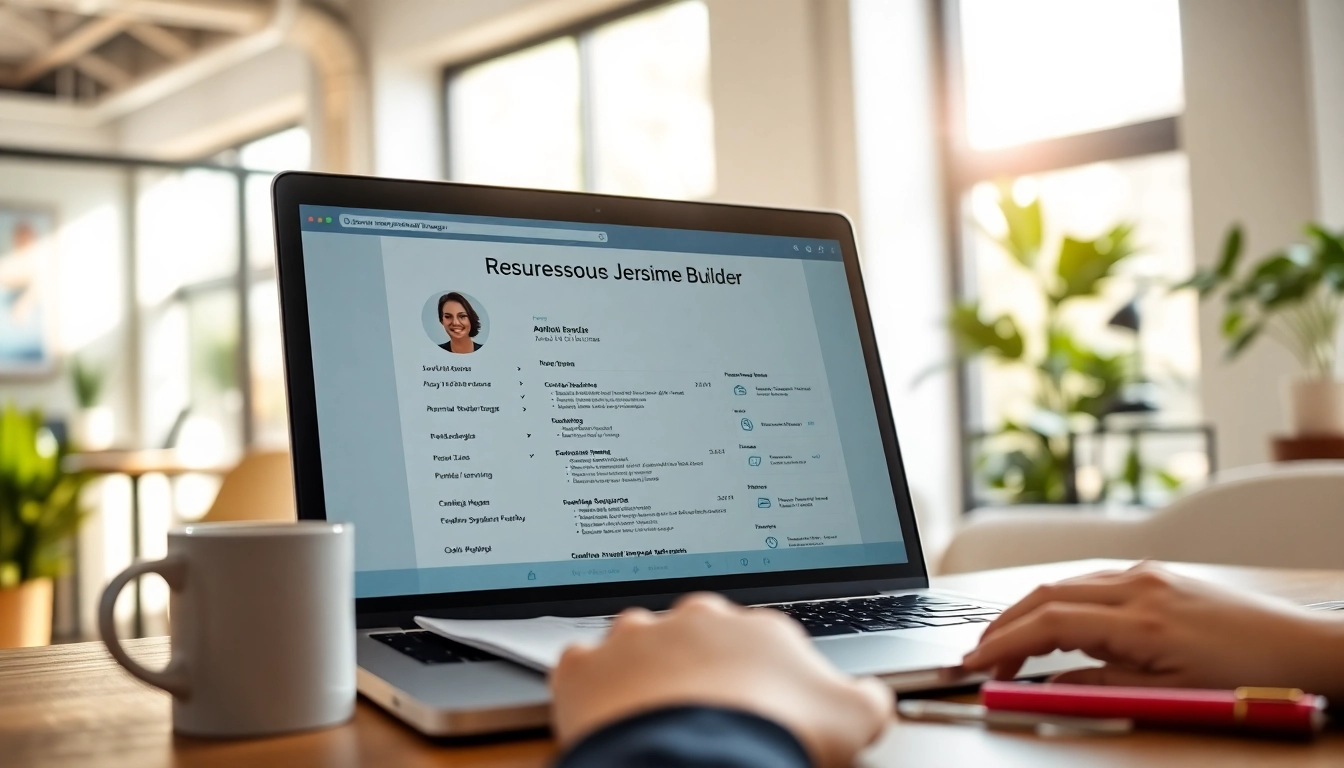
Understanding the Basics of a Resume Builder
What is a Resume Builder?
A Resume Builder is an online tool designed to help individuals create professional resumes efficiently. These platforms typically provide templates, formatting options, and prompts to guide users in presenting their work experience, skills, and education effectively. Many resume builders utilize AI technology to suggest improvements and keyword optimization to ensure that resumes are eye-catching and tailored for specific job roles.
Key Features to Look For in a Resume Builder
When choosing a resume builder, consider the following key features:
- User-Friendly Interface: An intuitive design minimizes the learning curve and allows users to build resumes quickly.
- Diverse Templates: Various professional templates can cater to different industries and personal preferences.
- Customization Options: The ability to modify fonts, colors, and layout ensures your resume aligns with personal branding.
- Download Formats: Options to export resumes in multiple formats, such as PDF and DOCX, are crucial for versatility.
- Resume Feedback: Advanced tools may offer AI-generated suggestions to improve content and structure.
Common Resume Builder Mistakes to Avoid
Creating a resume using a builder can be appealing, but there are common mistakes to watch out for:
- Overusing Buzzwords: Frequently repeating generic phrases can make resumes dull. Instead, incorporate specific examples of achievements.
- Ignoring the Job Description: Tailoring your resume to match the job requirements is crucial; don't use a one-size-fits-all approach.
- Over-Complicating Design: While aesthetics matter, overly complex designs can distract from content. Aim for clarity and professionalism.
- Neglecting Proofreading: Typos and grammatical errors undermine professionalism. Always double-check your resume before submission.
Choosing the Right Resume Builder for You
Factors to Consider When Selecting a Resume Builder
Choosing the right resume builder can significantly affect your job application process. When evaluating options, consider:
- Cost: Many builders offer free versions; however, premium features often come at a price. Evaluate what you truly need to avoid overspending.
- Customer Support: Reliable support can help with troubleshooting and ensure you don’t face technical hurdles when creating your resume.
- User Reviews: Previous users' experiences can shed light on the effectiveness and usability of the builder.
- Integrations: Some builders integrate with job application platforms to streamline the resume submission process.
How to Compare Different Resume Builders
Comparing various resume builders involves looking at several aspects:
- Features: Create a list of must-have features and see how each builder meets these requirements.
- Templates: Review the available templates to ensure they fit your professional persona.
- Export Options: Check if the builder offers the formats you need.
- Trial Period: Some tools offer free trials, allowing you to test their functionality before committing financially.
Reviews and Testimonials: Do They Matter?
Yes, reviews and testimonials are invaluable when selecting a resume builder. They provide insights into user satisfaction, ease of use, and effective outcomes. Before settling on a builder, read through various testimonials to gauge the experiences of a broader user base, focusing not just on the positive but also on any common concerns raised.
Optimizing Your Resume Using a Resume Builder
How to Customize Your Resume Design
A well-crafted design can make your resume stand out:
- Selecting Colors and Fonts: Choose colors and fonts that reflect your personality but maintain professionalism. Stick to a maximum of two font types.
- Spacing and Margins: Ensure proper spacing for readability. Utilize ample margins to create a balance between text and white space.
- Consistent Alignment: Align text uniformly to give your resume a clean, organized appearance.
Utilizing Templates Effectively in the Resume Builder
Templates can save time as well as improve structure:
- Choosing the Right Template: Select one that not only looks appealing but also aligns with the type of job you are applying for.
- Modifying Sections: Use the template as a base, but feel free to add or remove sections to tailor it to your unique background and skills.
- Avoiding Template Overuse: If many candidates use the same template, try to add unique elements to differentiate your resume.
Incorporating Keywords for ATS Compatibility
To ensure your resume is noticed by Applicant Tracking Systems (ATS), follow these tips:
- Job Description Keywords: Analyze the job posting to insert relevant skills and qualifications that align with the employer’s language.
- Standard Job Titles: Use company-accepted terms for your job roles; for instance, “Software Engineer” instead of “Code Ninja”.
- Avoid Graphics: ATS may not read graphics or unusual fonts. Keep it straightforward with standard text layout.
Best Practices for Using a Resume Builder
Step-by-Step Guide to Creating a Resume
Creating an effective resume involves several steps:
- Identify the Job Role: Clearly understand the job description to align your resume accordingly.
- Gather Personal Information: Collect dates of employment, educational background, and relevant achievements.
- Choose a Template: Start with a template that fits the role and your personal style.
- Fill Sections Methodically: Start with contact information, followed by experience, education, and skills.
- Review and Edit: Proofread all entries and ensure there are no errors.
Editing and Refining Your Resume Output
Refinement is crucial:
- Seek Feedback: Share your resume with mentors or trusted peers to receive constructive criticism.
- Focus on Achievements: Highlight your accomplishments rather than merely listing duties from past jobs.
- Adjust for Each Application: Tailor your resume for unique job applications by emphasizing different skills and experiences.
Saving and Exporting Your Resume from the Resume Builder
Upon completion, ensure you save your work appropriately. Here’s how:
- Save Frequently: Always save your work to avoid losing any changes.
- Export Options: Utilize preferred formats for different applications (PDF is generally the safest). Verify formatting by opening the downloaded file.
- Backup Copies: Keep several versions in your drive or cloud storage for easy access.
Frequently Asked Questions About Resume Builders
What are the benefits of using a Resume Builder?
A Resume Builder simplifies the resume writing process with templates and guidance tailored to various job roles, ensuring a polished outcome.
Are Resume Builders really free to use?
Many Resume Builders offer free tiers, but some may charge for premium features or downloads. Be sure to understand their pricing model.
How do I ensure my resume stands out?
Customize your resume by using unique templates, adding relevant keywords, and tailoring content to your target job to achieve a distinctive edge.
Can I edit my resume after creating it?
Yes, most Resume Builders allow for easy edits and updates, often even after the resume has been exported.
What file formats can I export my resume in?
Common export formats include PDF, DOCX, and TXT, which makes sharing and submitting your application more convenient.